
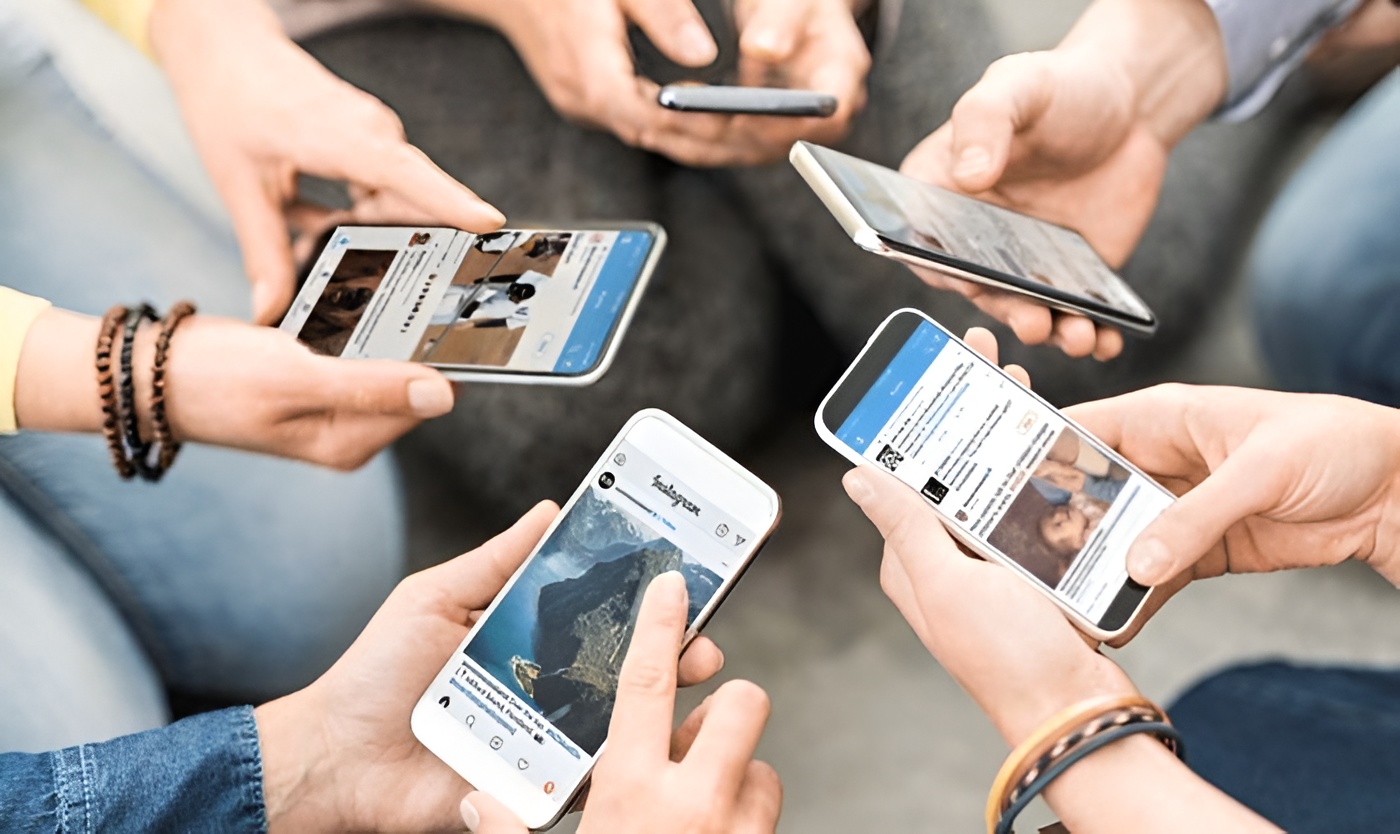
Instagram has become an important part of everyday communication, entertainment, business, and content sharing. As people follow creators, brands, friends, businesses, and public figures, their Following lists can become quite large. This naturally creates curiosity about which accounts were followed recently and how Instagram organizes these connections.
The term instagram recent following generally refers to recently followed accounts or ways of identifying newer additions to a Following list. However, there is an important difference between seeing someone’s current Following list and knowing the exact order in which those accounts were followed. Instagram does not always present another person’s Following list as a simple chronological record.
Understanding this distinction can help users avoid inaccurate assumptions and choose safer ways to manage their own accounts.
What Does Instagram Recent Following Mean?
Instagram recent following usually describes accounts that a user has followed recently. For your own account, this can be useful when you want to remember which creators, businesses, friends, or other profiles you recently added.
For example, imagine that you followed several photography accounts over the weekend. Later, you may want to find those accounts again without scrolling through your entire Following list. Depending on the current Instagram interface available to your account, sorting or filtering options may make this easier.
Following and Followers Are Different
The terms “Following” and “Followers” describe two different relationships.
Your Following list contains accounts you have chosen to follow. Your Followers list contains accounts that follow you. This distinction sounds simple, but it is easy to confuse the two when trying to track recent activity.
If you want to know which accounts you recently followed, you need to review your Following information rather than your Followers list.
How to Check Your Own Instagram Recent Following
The most reliable place to start is your own Instagram profile. Open the Instagram application, go to your profile, and select the Following section. You can then review the accounts currently connected to your profile.
Instagram’s interface can change, so the available sorting and filtering options may differ between accounts or application versions. If your account provides a date-based sorting option, it can make reviewing recently followed accounts considerably easier.
Check for Sorting Options
When you open your Following list, look for any sorting or filtering controls provided by Instagram. If you see an option related to recent activity or the date you followed accounts, use that feature to organize the list.
If you do not see such an option, there is no need to assume that your account has a problem. Instagram can change features and layouts over time, and some functions may not be available to every user.
Why Instagram Following Lists Can Be Misleading
Many users assume that Instagram automatically places the newest follows at the top of every Following list. That assumption can be unreliable, particularly when viewing another person’s profile.
The order of accounts displayed can be affected by how Instagram presents information. Factors such as relevance, mutual connections, and the viewing context may influence what appears on screen. Therefore, list position alone should not be treated as proof of when a person followed an account.
The First Account May Not Be the Newest Follow
If you see an unfamiliar account near the top of another person’s Following list, you cannot automatically conclude that it was recently followed.
Likewise, an account appearing lower in the list may have been followed recently. The visible order should be treated as a presentation of current account relationships rather than a guaranteed timeline of past activity.
Instagram Recent Following on Public and Private Accounts
Account privacy makes a significant difference when viewing Following information. A public Instagram profile generally allows visitors to see its visible Following list, subject to Instagram’s current settings and restrictions.
Private profiles work differently. If you are not an approved follower, you cannot use ordinary Instagram features to inspect the private account’s full Following list.
Respecting Private Accounts
If an account is private, the appropriate option is to send a follow request and allow the account owner to decide whether to approve it.
Trying to bypass privacy restrictions through suspicious websites or applications can put your own account and personal information at risk. Public visibility also does not mean that every detail about someone’s activity is available.
Can You See Someone’s Exact Recent Follows?
This is one of the most common questions surrounding instagram recent following searches. In general, seeing an account in someone’s Following list does not provide a guaranteed timestamp showing when the follow occurred.
Instagram does not normally display a simple date beside every account showing exactly when the relationship began. Therefore, users should be cautious when a website claims that it can provide an exact historical record of another person’s follows.
Why Exact Dates Are Difficult to Confirm
A Following list represents accounts that are currently followed. It does not necessarily preserve a publicly accessible timeline showing every follow and unfollow event.
People can also change usernames, unfollow accounts, deactivate profiles, or encounter accounts that become unavailable. These changes make it even harder to reconstruct a complete historical record from the visible list alone.
How Instagram Search Can Help
Instagram’s search function is useful when you already know the username or name of the account you want to locate. Instead of scrolling through a large Following list, you can search for the specific profile.
However, search results should not be confused with chronological results. The purpose of search is to help users locate matching accounts, so the order in which results appear does not necessarily indicate when you followed them.
Finding a Specific Account
Suppose you followed a technology company several months ago and want to check whether you still follow it. Searching within your Following list can save considerable time.
This approach is especially helpful for users who follow hundreds or thousands of accounts. It focuses on finding a particular profile rather than trying to interpret the entire list.
Using Notifications and Activity Information
Instagram notifications can help you keep track of certain recent interactions. For example, a notification may tell you when another account follows you or interacts with your content.
However, notifications should not be considered a permanent historical database. Older activity can become difficult to locate as new interactions appear.
Reviewing Your Own Activity
If you recently received a follower notification, checking your activity area may help identify the account involved.
For longer-term management, your Followers and Following lists provide a more useful view of the relationships that currently exist on your account.
Instagram Recent Following on Mobile and Desktop
Most people use Instagram through smartphones, but the platform is also accessible through desktop browsers. The basic account information is similar, although the layout and available controls can differ.
If you are looking for instagram recent following information on a computer, open your profile and access the Following section. On mobile, follow the same general process through the Instagram application.
Why Features May Look Different
Instagram regularly changes its interface. A feature shown in an older online tutorial may appear in a different location or may no longer be available.
Therefore, users should pay attention to the controls currently visible on their account instead of relying entirely on screenshots from older guides.
Third-Party Instagram Following Trackers
Search engines may display applications and websites that claim to track recent follows, unfollows, or other Instagram activity. Some services advertise features that sound convenient, but users should evaluate these claims carefully.
In particular, be cautious if a service requests your Instagram password, authentication code, session information, or unnecessary account permissions.
Protect Your Login Information
Your password and security codes should never be shared simply to view information that Instagram already makes publicly available.
If a website claims that it can reveal private Following activity or hidden account information, that claim deserves particular caution. Protecting your account should always take priority over obtaining questionable tracking information.
Comparing Following Lists Over Time
If you want to monitor changes to your own account, you can keep a personal record of your Following list. For example, you might record important accounts in a private spreadsheet.
This can be useful for professional creators, marketers, businesses, or anyone who needs to remember when certain accounts were added.
Using Screenshots as Personal Records
Screenshots can provide a simple snapshot of your own Following list at a particular point in time. If you take one today and another several weeks later, you can compare them for visible changes.
However, a screenshot does not prove the exact date that a follow occurred. It only demonstrates what was visible when the screenshot was captured.
Managing Your Following List
Following lists can grow quickly. You might initially follow an account because of a particular post, event, promotion, trend, or recommendation and later lose interest in its content.
Regularly reviewing your Following list can help keep your Instagram experience more relevant. It can also make it easier to identify accounts you no longer recognize.
Unfollow or Mute?
Unfollowing removes an account from your Following list. Muting can be useful when you want to remain connected but prefer not to see as much content from that account.
The right choice depends on your goal. If you no longer want the relationship, unfollowing may be appropriate. If you still value the connection but want a quieter feed, muting can be a better option.
What Instagram Recent Following Can and Cannot Tell You
Your own instagram recent following activity can help you understand how your interests change over time. You might notice that you have recently followed several sports pages, food creators, technology accounts, businesses, or entertainment profiles.
However, another person’s Following list provides much less context. Seeing that someone follows a particular account does not explain why they followed it or how recently the relationship began.
Avoid Drawing Conclusions From List Position
An account’s position in a Following list should not be treated as evidence of a person’s intentions or private interactions.
Someone could follow an account for work, research, entertainment, education, collaboration, or many other reasons. The list itself cannot explain that context.
Common Mistakes When Checking Following Activity
One of the biggest mistakes is assuming that the first account displayed is automatically the newest follow. Another is trusting an unfamiliar website that promises access to private activity.
A third mistake is using outdated instructions. Instagram changes its interface frequently, so older tutorials may no longer match the current application.
Rely on Current Instagram Features
When possible, use features available directly inside your Instagram account. If a sorting option is available, it is generally preferable to an unofficial tracker.
Also, remember that the information Instagram provides can differ between users, devices, and account types. A missing option does not necessarily indicate a technical problem.
How Businesses Can Use Following Information
Businesses and creators can benefit from regularly reviewing their own Following lists. A professional account may follow competitors, suppliers, customers, industry publications, creators, and potential business partners.
Over time, these relationships can become difficult to manage. A periodic review can help keep the account focused and relevant.
Create a Private Tracking System
Businesses that need historical information can maintain their own private records. A spreadsheet could include an account name, category, date followed, and reason for following.
This method gives businesses greater control over their records and avoids depending on questionable third-party services.
Frequently Asked Questions About Instagram Recent Following
Can I See Who I Recently Followed?
For your own account, Instagram may provide sorting or activity features that help you identify recently followed accounts. The exact options depend on the current version and features available to your account.
For another person’s account, the Following list should not automatically be considered a chronological history.
Can I See the Exact Date Someone Followed an Account?
Instagram generally does not place an easily accessible public date beside each Following relationship.
If an external service claims to provide exact historical dates, be cautious, especially if it requests your login information or claims to access private activity.
Is the First Account in a Following List the Newest?
There is no reliable basis for assuming that the first account is always the newest follow. Instagram’s presentation of lists can vary.
If you need to review your own recent follows, use any official sorting or account-management options available to you.
Can I Track Someone’s Private Following Activity?
You should not attempt to bypass Instagram’s privacy controls. If an account is private, its owner controls who can access its content and relationship information.
Websites promising to reveal private Following activity should be treated with caution.
Final Thoughts on Instagram Recent Following
Understanding instagram recent following is mainly about knowing the difference between a current Following list and a confirmed history of follow activity. Instagram can provide useful account-management features for your own profile, but the visible order of another person’s Following list should not automatically be treated as a precise timeline.
If you want to manage your own account, start with Instagram’s built-in Following section and use available sorting, filtering, search, and notification features. These options can help you keep track of accounts without relying on questionable external services.
For public profiles, remember that visibility does not necessarily mean chronological information. You may be able to see who someone follows without knowing exactly when each account was added. For private profiles, respect the privacy settings and avoid tools that claim to bypass them.
Finally, protect your login information. Avoid giving passwords or security codes to third-party websites simply because they promise detailed following reports. If you need a long-term record of your own activity, maintaining a private record can be a straightforward and dependable solution.
Instagram’s interface will continue to change, so specific buttons and sorting options may look different over time. The most reliable approach is to work with the features currently available on your account, verify important information carefully, and avoid making conclusions that the available data cannot support.
